Tag: koala sampler skins

  • New Skins: Refresh Your Koala Sampler Look

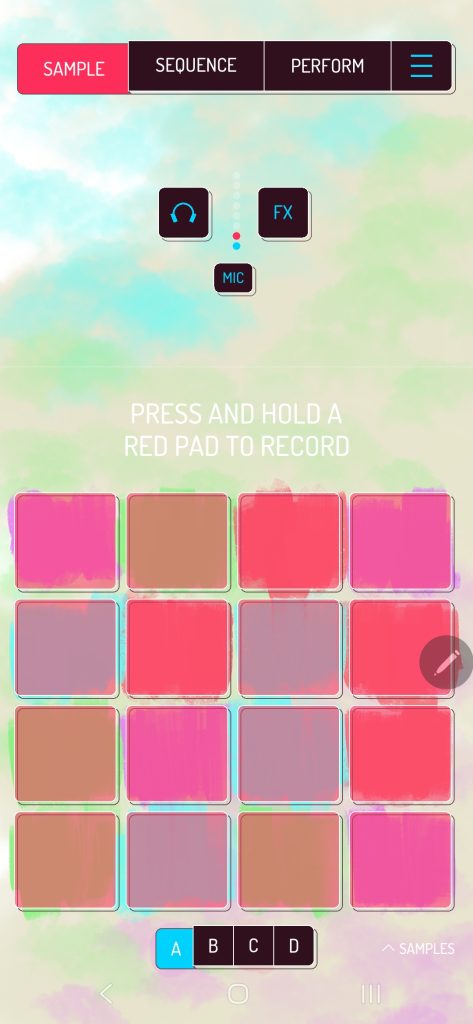
    Summer has finally arrived, bringing with it a fresh wave of inspiration for your dawless music production – and apparently new skins for Koala Sampler.

    Introducing Two New Skins for Koala Sampler

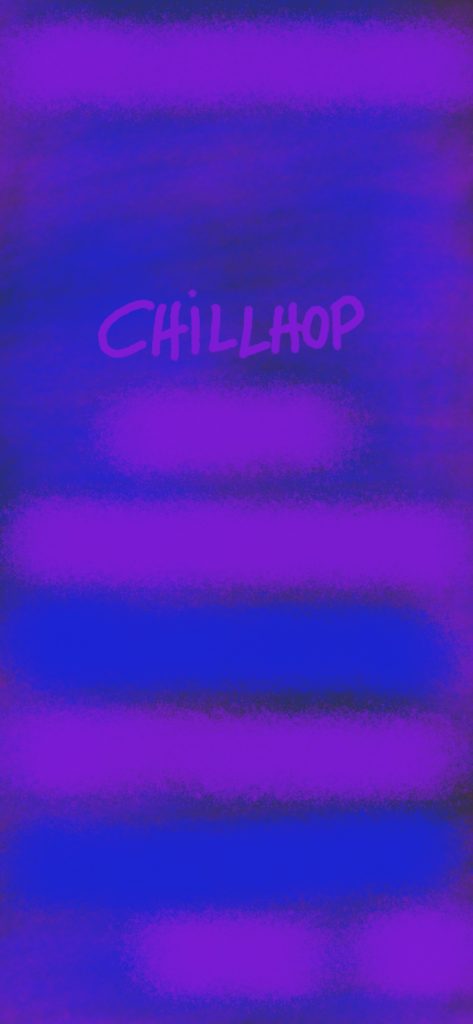
    I’m excited to share my latest Koala Sampler backgrounds, designed to enhance your interface and spark fresh musical ideas. Enjoy them for free, just save the images below.
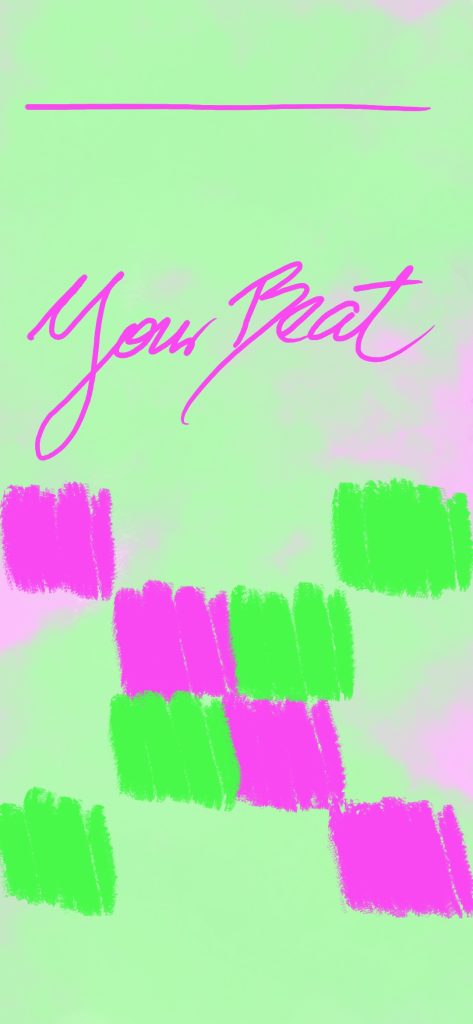
    Why These Colors?

    I simply wished to create a vivid one, matching the season. Maybe time to craft some upbeat instrumental songs, even for us lofi and chillhop beatmakers. As for the other one, that is for night time beatmaking with more eye comfort. And in general a matching style for night beats. So summing them up:

    Your Beat Green – A soft, but vivid spring-to-summer chill beat background, evoking fresh and vibrant energy.

    Chillhop Blue Purple – Ideal for nighttime chill production, offering a deep and relaxing vibe.

    How to Get Them?

    Bringing inspiration into your setup should be simple – so I’m offering these skins for free!

    Download the Skin: Just save the image and it’s yours. Install on Koala Sampler: Open the app, head to settings, and swap the background for a refreshed vibe. You can also layer effects to elevate the look. Start Creating: Enjoy the seasonal aesthetic and let it boost your musical creativity.

    For more custom Koala Sampler skins, including festive winter designs, explore my collection!
  • Spring Vibes: Elevate Your Music Production with Pastel Koala Sampler Skins

    Spring is in the air, and what better way to infuse that refreshing vibe into your dawless music production than with a new pastel-themed Koala Sampler skin? As the flowers bloom and the days grow longer, it’s the perfect time to bring a splash of color and inspiration to your creative process.

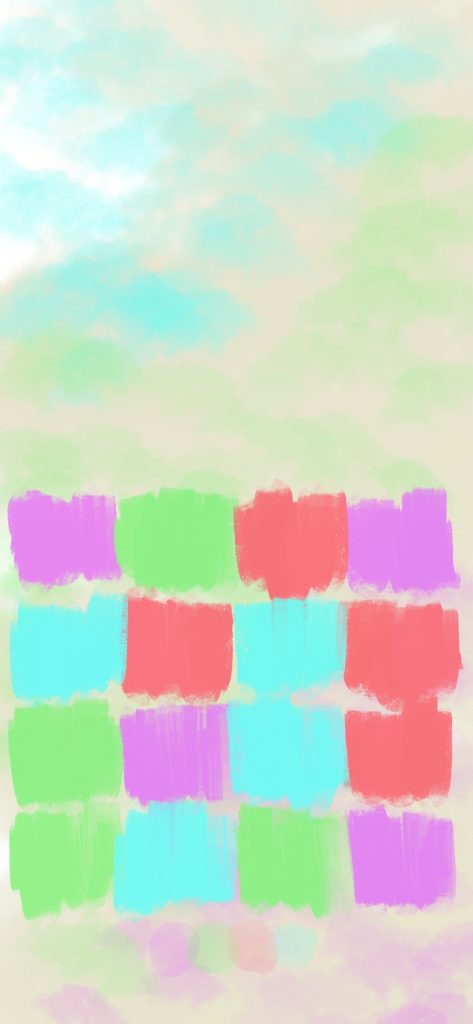
    In this article, I am excited to introduce my latest pastel spring vibe Koala Sampler background, designed to uplift your interface and spark creativity. This skin is all about subtle, soothing colors that create a relaxing atmosphere for your music-making sessions.

    Why Choose Pastel Koala Sampler Skins?

    Simply, because it is the vibe matching the season. Pastel colors are known for their calming and aesthetic appeal. They provide a soft and harmonious background that won’t distract you from your work, but rather, gently inspire you. Our pastel spring skin features a delicate balance of light pinks, blues, and greens, reminiscent of a serene garden in full bloom.

    Lastly, I believe it also matches happy lofi vibe edits and chillhop beats.

    How to Get Your Free Pastel Spring Vibe Skin
    As I am offering this skin for free, simply scroll a bit further. I believe that every music producer deserves a touch of inspiration in their toolkit.

    Download the Skin (just save the image):

    Install on Koala Sampler: Simply open the app and in the settings you may replace the background. Plus add some dope effects as well to boost the vibe.

    Start Creating: Enjoy the refreshed interface and let the spring vibes enhance your creativity.

    By the way, have a look here – this is how it looks in action:

    Find more of my Xmas skins and about Koala Sampler skins in general.

  • Introducing Koala Sampler App Skins for the Holidays

    I am here with the next batch of Koala Sampler skins on a special occasion.

    The holiday season is upon us, and what better way to celebrate than with some festive cheer in your digital music creation?

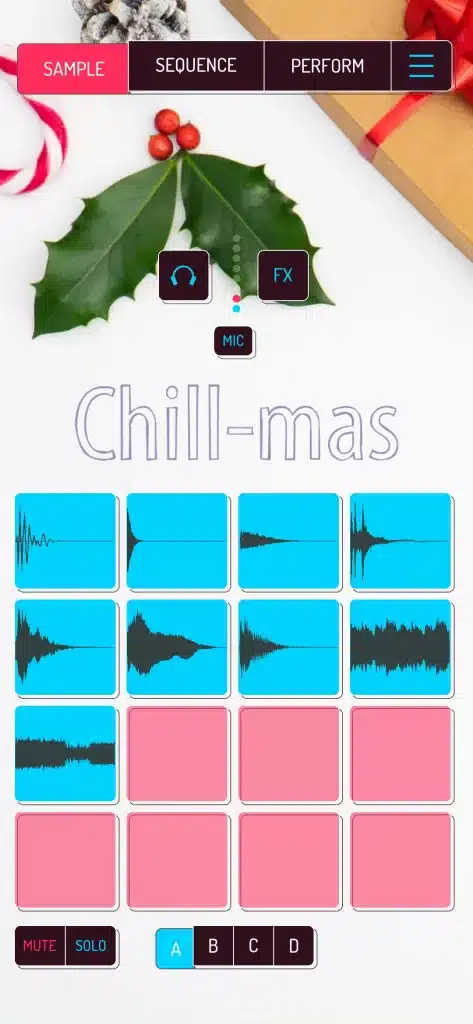
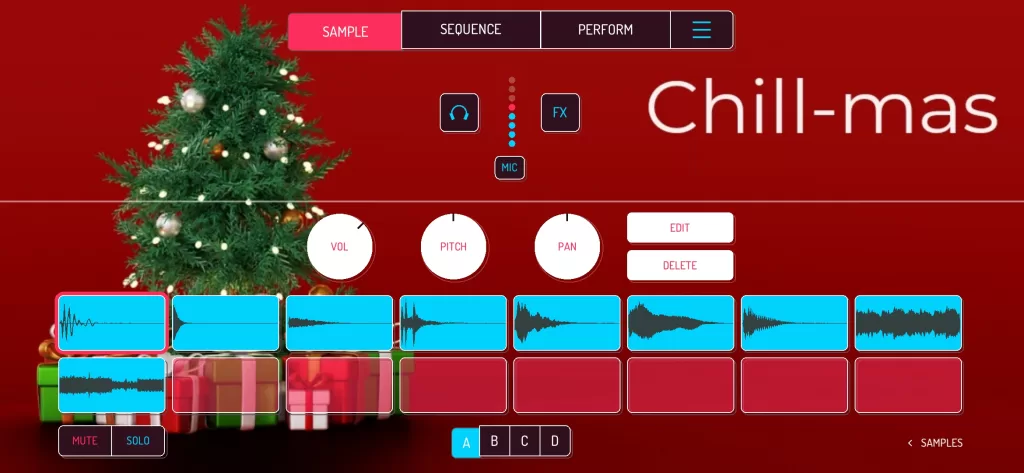
    Koala Sampler is a popular music production app and I am excited to introduce my latest collection of Christmas-themed skins. These new skins will transform your sampler interface into a winter wonderland. I hope they will boost your mood and support your chill beats production in December too.

    koala sampler skin xmas 2023
    koala sampler skin xmas 2023 in app screenshot

    Why Choose New Skins for the Holidays?

    There are many reasons to choose new app skins for the holidays to my point of view, but let me list just some:

    • They’re festive and fun: The Christmas-themed skins will add a touch of holiday cheer to your sampling experience. It reminds you during your production process
    • They’re visually appealing: The high-quality graphics will make your Koala Sampler interface look stunning. You can use them while recording your beat and later share them on YouTube or any other channels
    • They’re customizable: You can choose from various designs to create a truly unique look for your Koala Sampler. I will share some below.
    • They’re super easy to install: Installing the Koala Sampler App Skins is a matter of 2 minutes. Rather 1. Simply follow the instructions in the Koala Sampler app’s settings menu.

    How to Install Koala Sampler App Skins for the Holidays?

    To install the Koala Sampler App Skins for the holidays, follow these simple steps:

    • Open the Koala Sampler app.
    • Tap on the hamburger (3 lines) in the top right corner.
    • Select the Settings from the menu.
    • Tap the Extras tab.
    • Remove background.
    • Select your Christmas skin
    koala sampler skin xmas 2023-2
    koala sampler skin xmas 2023-2 in app screenshot

    Find more skins here as well. Enjoy your production time and use dope skins.