Tag: koala sampler

  • Koala Sampler – The “Pocket DAWless” Powerhouse Review

    Is Koala Sampler a viable alternative to the Roland SP-404 or any other sampler? After five years of using it as the brain of my DAWless setup, here is why this mobile app is a lofi producer’s dream for on-the-go beatmaking

    Is Koala Sampler a DAW? Understanding the Mobile DAWless Workflow

    Is it a sampler? Is it a DAW? How DAWless we are with a DAW? Some of the questions I face along my days and weeks as an artist, like reading different Reddits, Quoras and FB comments. Bad news, I am not to challenge all the opinions here, more writing my take: technically, Koala Sampler is a mobile sampler and sequencer, but I treat it as pocket hardware. It offers the freedom of a DAW – composing in a bathtub or on a park bench – without the distractions of a laptop. Because it works entirely offline, it functions as a standalone instrument in a DAWless ecosystem.
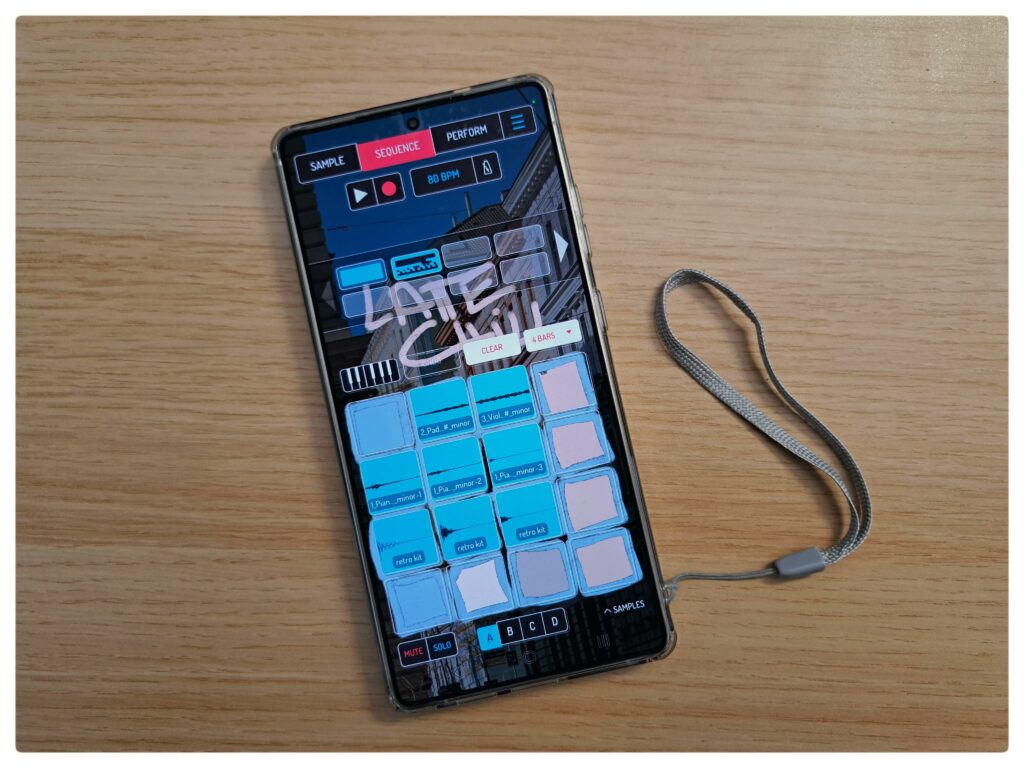
    Koala Sampler SP404

    Best DAWless Pairings: Koala Sampler & Teenage Engineering PO-33 KO

    My favourite ultra-portable setup pairs Koala with the Teenage Engineering Pocket Operator 33 KO (aka PO-33 KO). I use the PO-33 for its gritty lo-fi textures and punch-in FX to layer over my Koala sequences. You can also swap this for a Stylophone or PO-128, depending on whether you need lead synths or bass layers. (See my full PO-33 setup guide for connection tips).

    Koala Sampler vs. Roland SP-404: Why I Choose the App

    Long story short: money and time. The SP-404 is quite costly, and while I am a long-time fan of its lofi sound, you need deep pockets to acquire one. Additionally, hardware often requires a tremendous amount of time to master. Koala Sampler imitates that classic workflow but simplifies it. You earn “quick wins” easily, yet you can go deeper over the years with resampling, effect buses, and live recording.

    How to Mix and Master in Koala Sampler: My Finishing Process

    Alas, here comes one of my challenges and weaknesses, even from 5 years ago. Why? I would more like to recap the question like this: Can you master a song in Koala Sampler?

    And my answer is the following: Yes. With the built-in 4-bus effects and master channel, you can achieve a polished, competitive sound. However, my professional workflow usually involves two steps:

    • Initial Mix: Panning and basic FX within the app.
    • Final Polish: I export the project (stems and MIDI) into Ableton Live for surgical EQ, side-chaining, and final stereo widening.”

    I still prefer finishing tracks on a laptop to ensure a silent environment for tweaking EQs across genres like rock, metal, and lofi. While Koala supports most of my needs, I view it as a powerful pocket sampler that takes music production out into the world. It is a companion for adventures, helping me produce more lively beats while I save the “homework” of fine-tuning for the studio.

    So, I do basic mixing and panning, base effects on my beats to make them sound good. Export the beat itself (usually named the project, including the chords and the tempo) and, in certain cases, I also export the different samples as a pack to enhance my mastering later in Ableton Live.

    This is it for now. I hope you enjoyed my short snippet. Disagreeing? I would like to hear your opinion on any of my channels.
  • New Skins: Refresh Your Koala Sampler Look

    Summer has finally arrived, bringing with it a fresh wave of inspiration for your dawless music production – and apparently new skins for Koala Sampler.

    Introducing Two New Skins for Koala Sampler

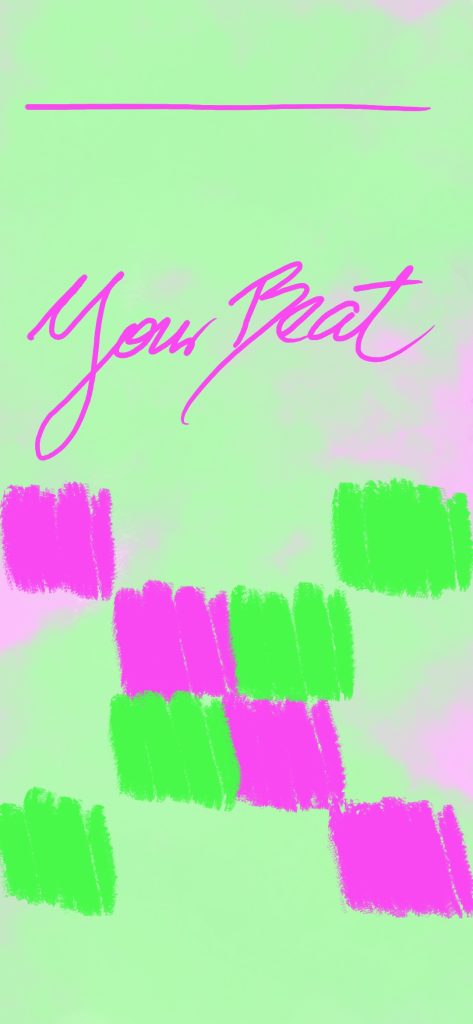
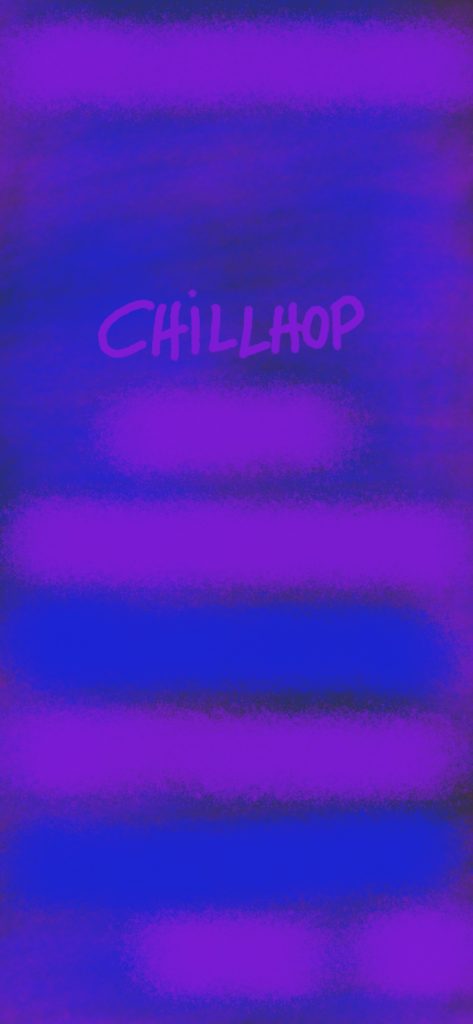
    I’m excited to share my latest Koala Sampler backgrounds, designed to enhance your interface and spark fresh musical ideas. Enjoy them for free, just save the images below.

    Why These Colors?

    I simply wished to create a vivid one, matching the season. Maybe time to craft some upbeat instrumental songs, even for us lofi and chillhop beatmakers. As for the other one, that is for night time beatmaking with more eye comfort. And in general a matching style for night beats. So summing them up:

    Your Beat Green – A soft, but vivid spring-to-summer chill beat background, evoking fresh and vibrant energy.

    Chillhop Blue Purple – Ideal for nighttime chill production, offering a deep and relaxing vibe.

    How to Get Them?

    Bringing inspiration into your setup should be simple – so I’m offering these skins for free!

    Download the Skin: Just save the image and it’s yours. Install on Koala Sampler: Open the app, head to settings, and swap the background for a refreshed vibe. You can also layer effects to elevate the look. Start Creating: Enjoy the seasonal aesthetic and let it boost your musical creativity.

    For more custom Koala Sampler skins, including festive winter designs, explore my collection!

  • Spring Vibes: Elevate Your Music Production with Pastel Koala Sampler Skins

    Spring is in the air, and what better way to infuse that refreshing vibe into your dawless music production than with a new pastel-themed Koala Sampler skin? As the flowers bloom and the days grow longer, it’s the perfect time to bring a splash of color and inspiration to your creative process.

    In this article, I am excited to introduce my latest pastel spring vibe Koala Sampler background, designed to uplift your interface and spark creativity. This skin is all about subtle, soothing colors that create a relaxing atmosphere for your music-making sessions.

    Why Choose Pastel Koala Sampler Skins?

    Simply, because it is the vibe matching the season. Pastel colors are known for their calming and aesthetic appeal. They provide a soft and harmonious background that won’t distract you from your work, but rather, gently inspire you. Our pastel spring skin features a delicate balance of light pinks, blues, and greens, reminiscent of a serene garden in full bloom.

    Lastly, I believe it also matches happy lofi vibe edits and chillhop beats.

    How to Get Your Free Pastel Spring Vibe Skin
    As I am offering this skin for free, simply scroll a bit further. I believe that every music producer deserves a touch of inspiration in their toolkit.

    Download the Skin (just save the image):

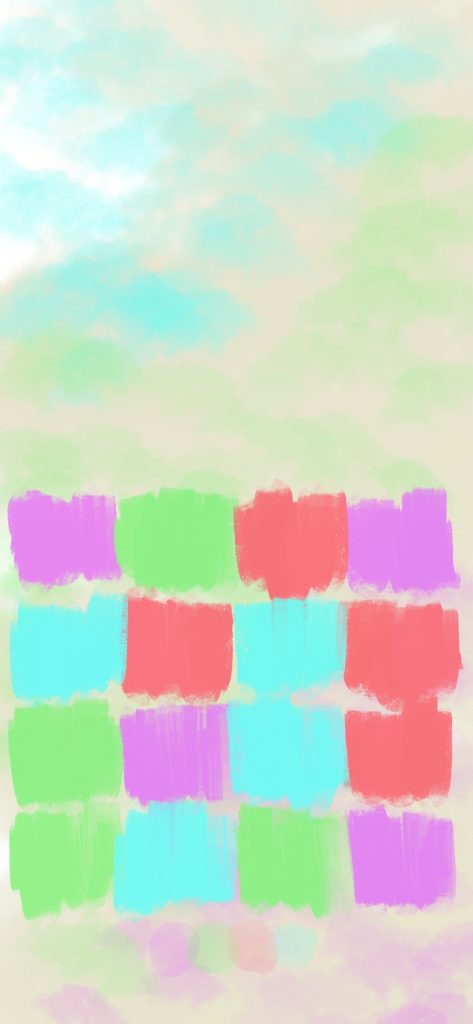
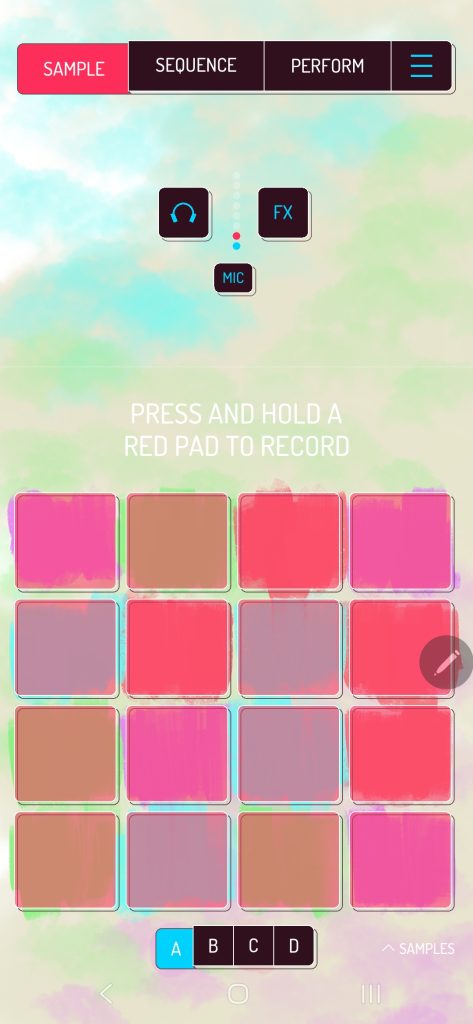
    Install on Koala Sampler: Simply open the app and in the settings you may replace the background. Plus add some dope effects as well to boost the vibe.

    Start Creating: Enjoy the refreshed interface and let the spring vibes enhance your creativity.

    By the way, have a look here – this is how it looks in action:

    Find more of my Xmas skins and about Koala Sampler skins in general.